Stop paying $50/month
for 5 apps.
One Google Sheet
does it all.
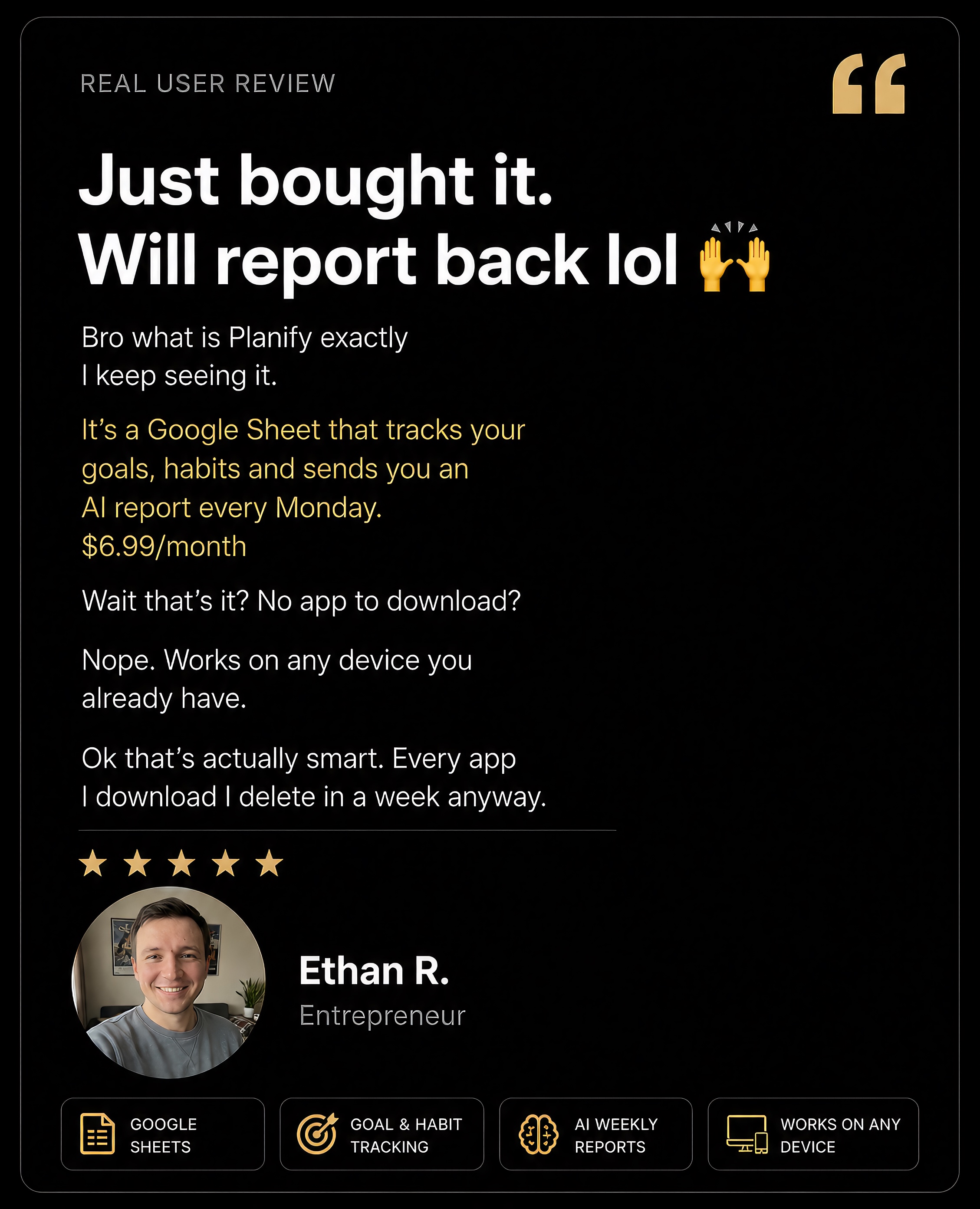
Goal tracker. Habit log. Mood journal. AI weekly reports — straight to your email. The only productivity system you'll actually stick with. No app downloads. No setup headaches.
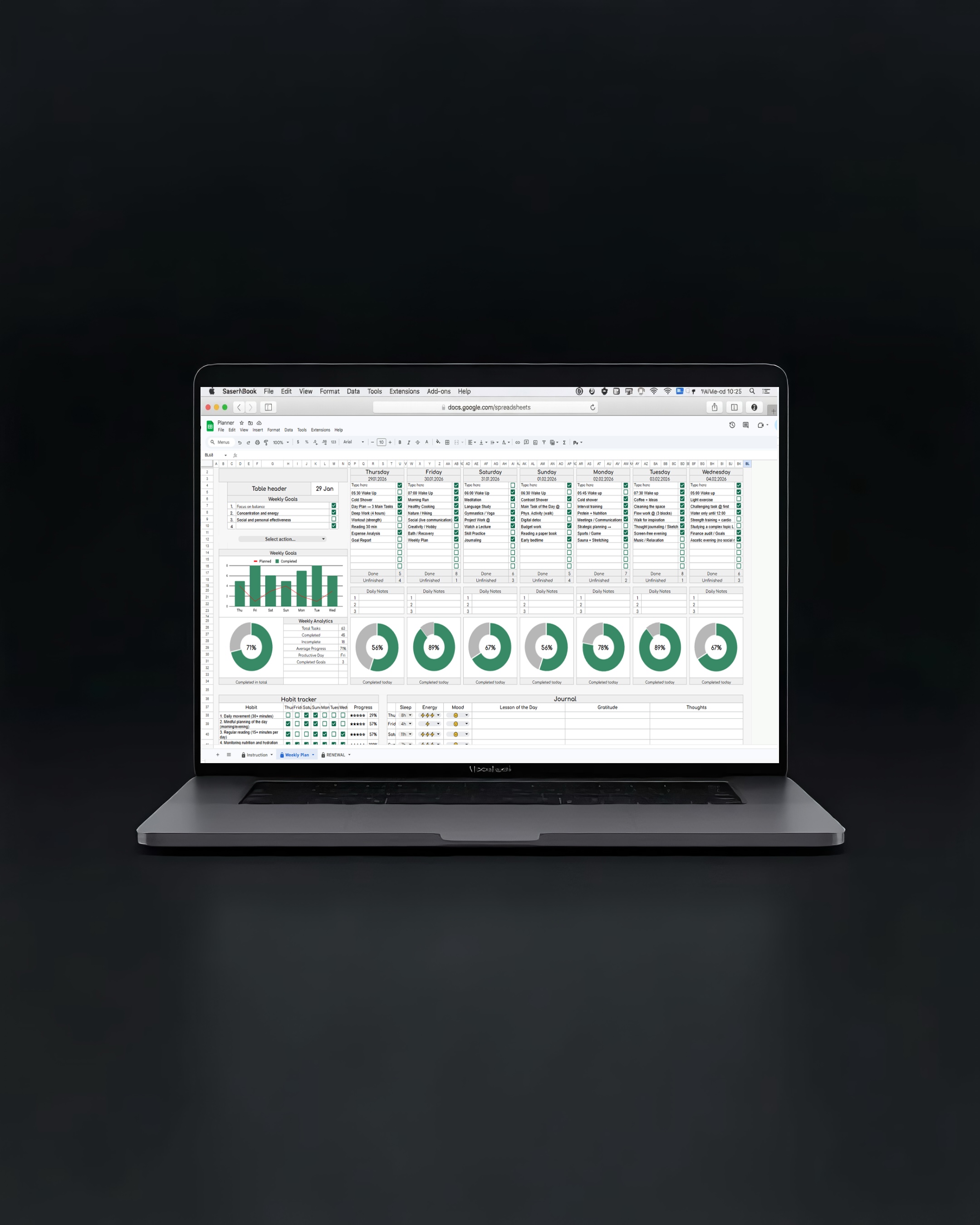
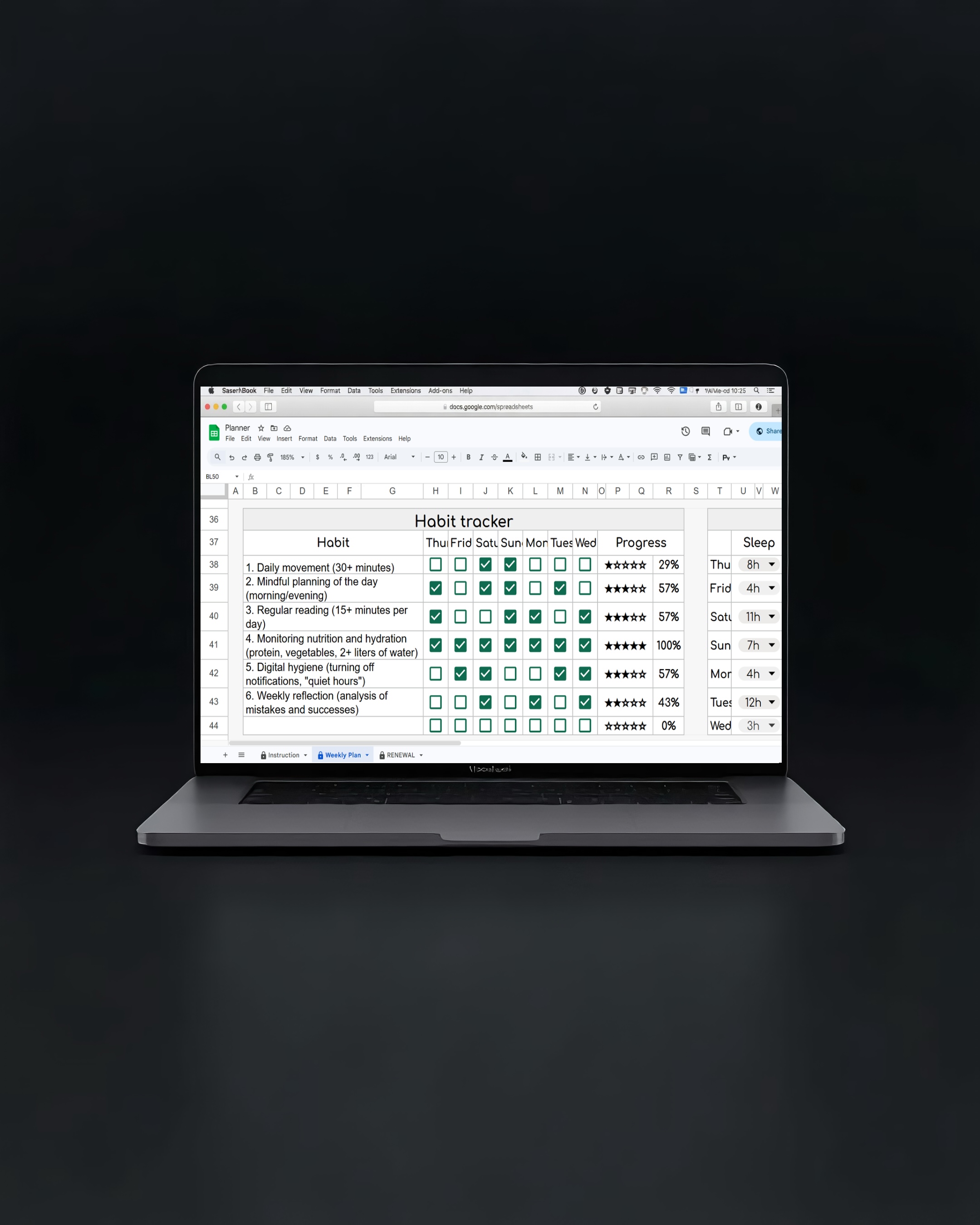
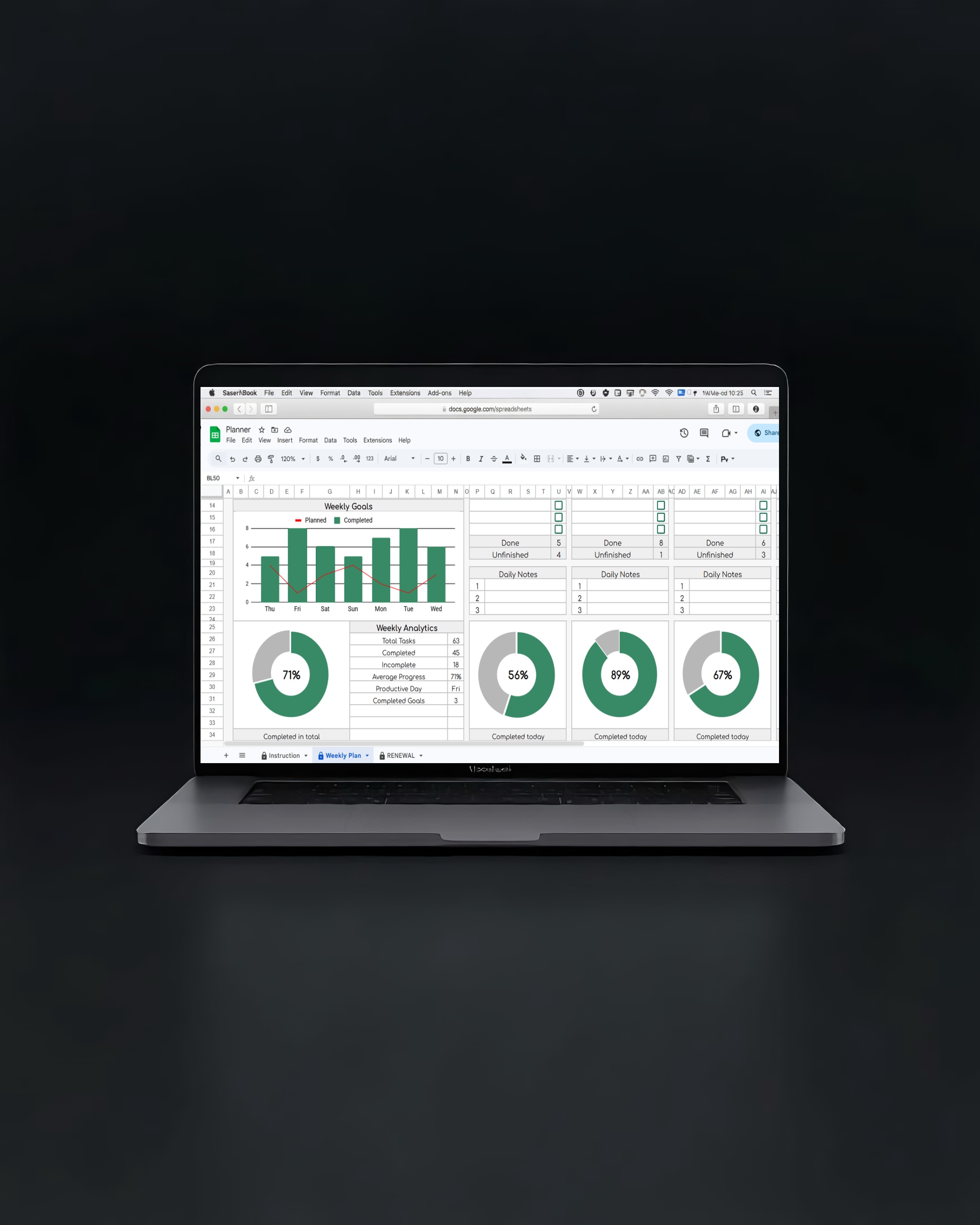
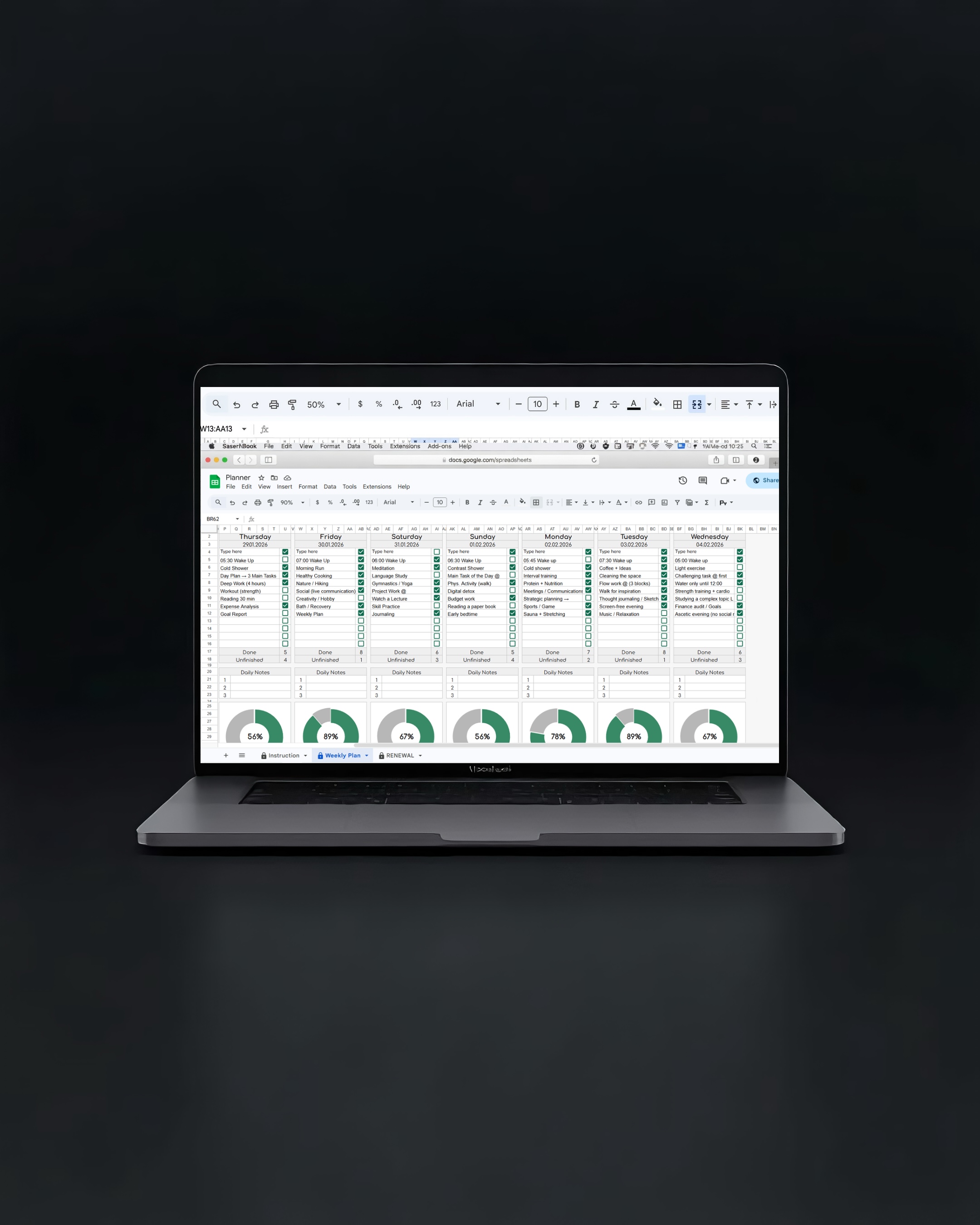
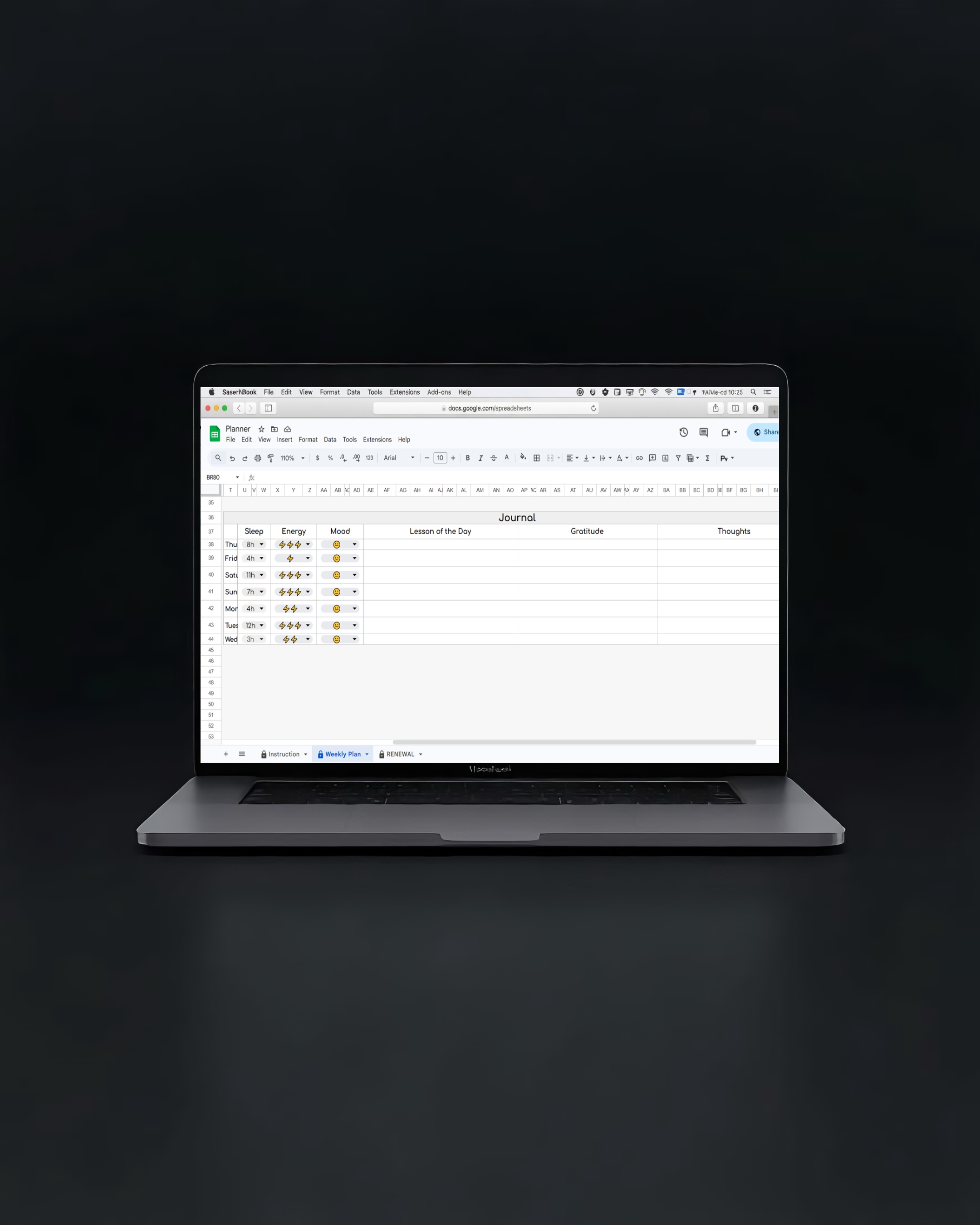
See exactly what you're getting
A real Google Sheet — built like a premium app
You've tried everything.
This one actually works.
Stop guessing where your week went.
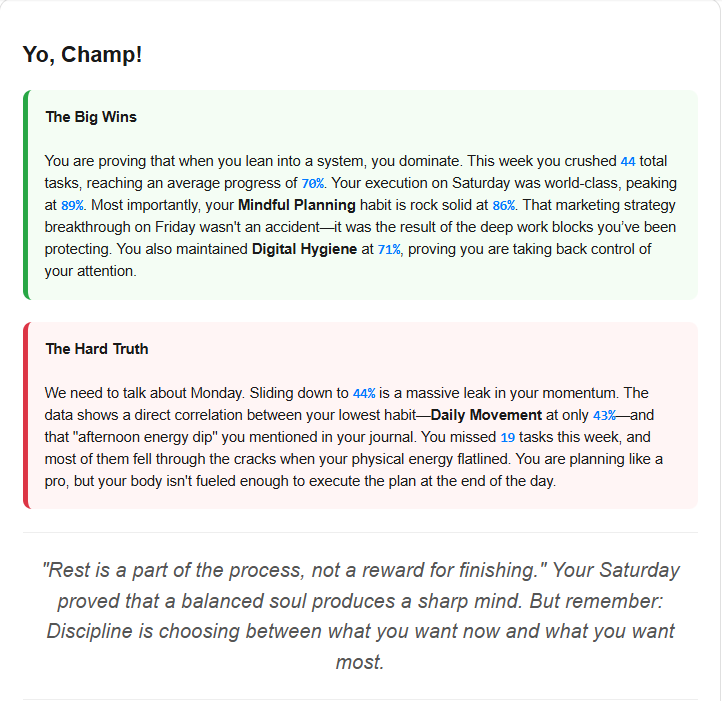
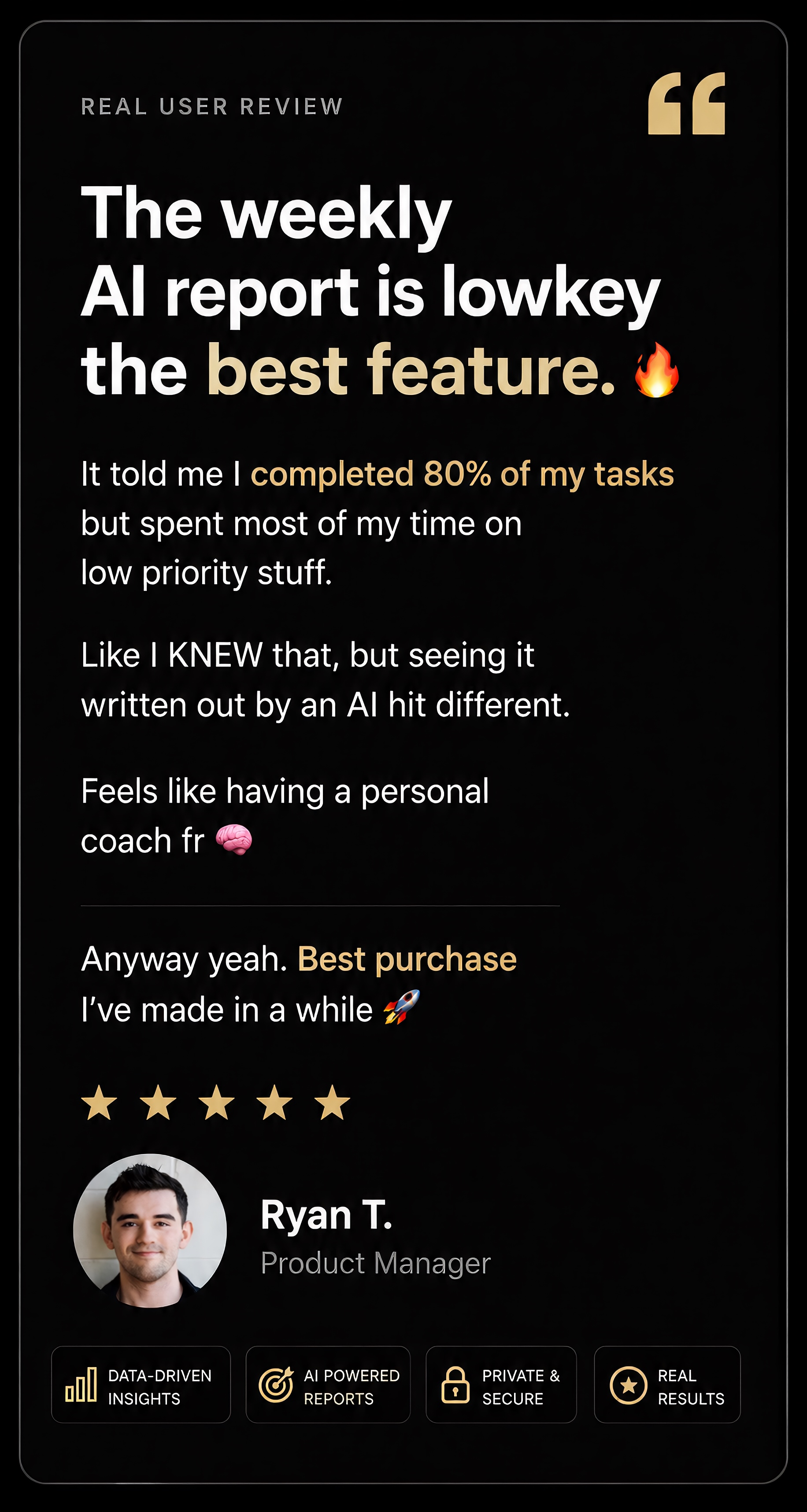
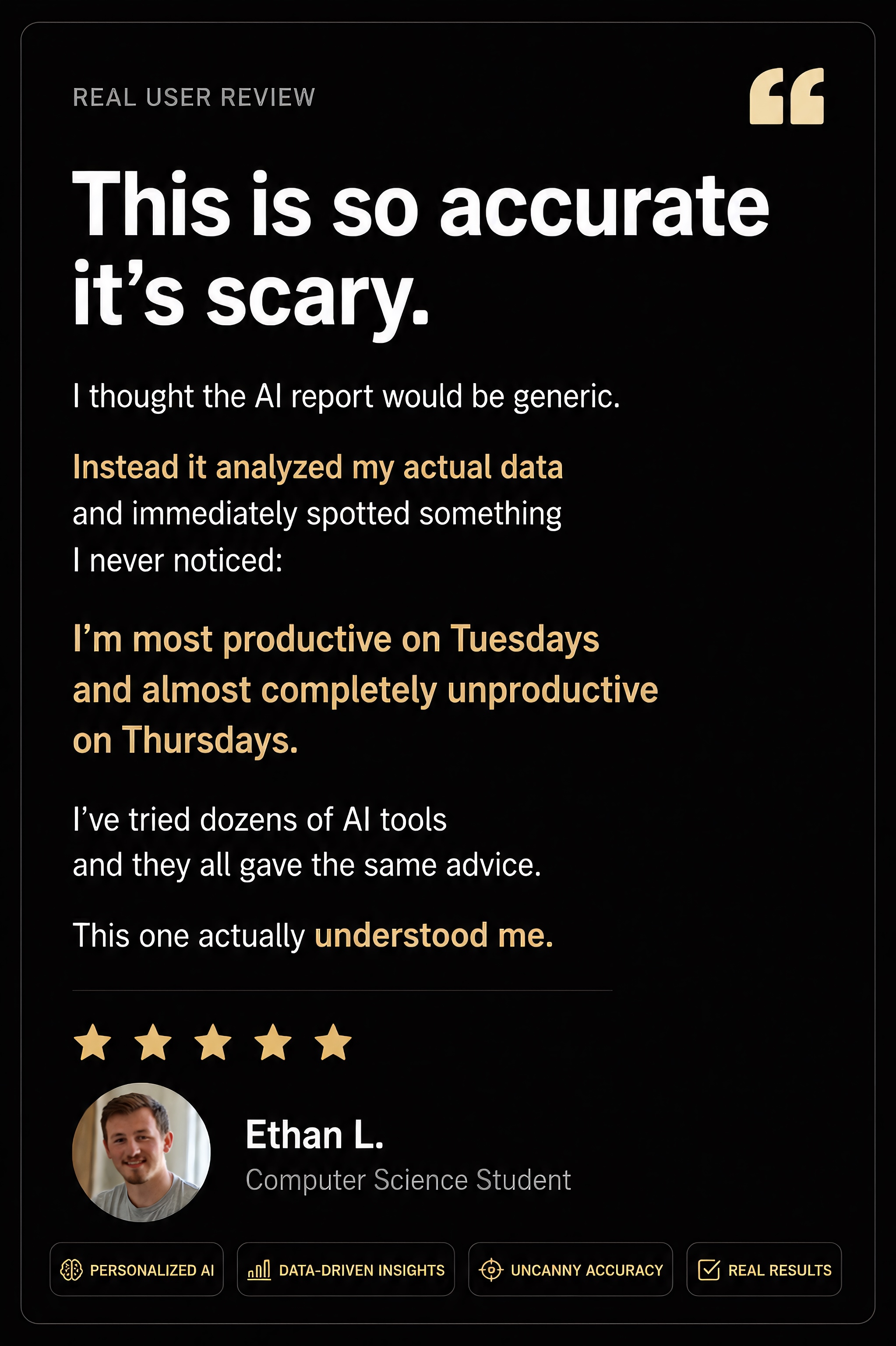
Every Monday morning, your AI sends you a full breakdown of your week — what you crushed, what you avoided, and what to focus on next. No manual tracking. Just clarity.
Finally a system you'll actually stick with.
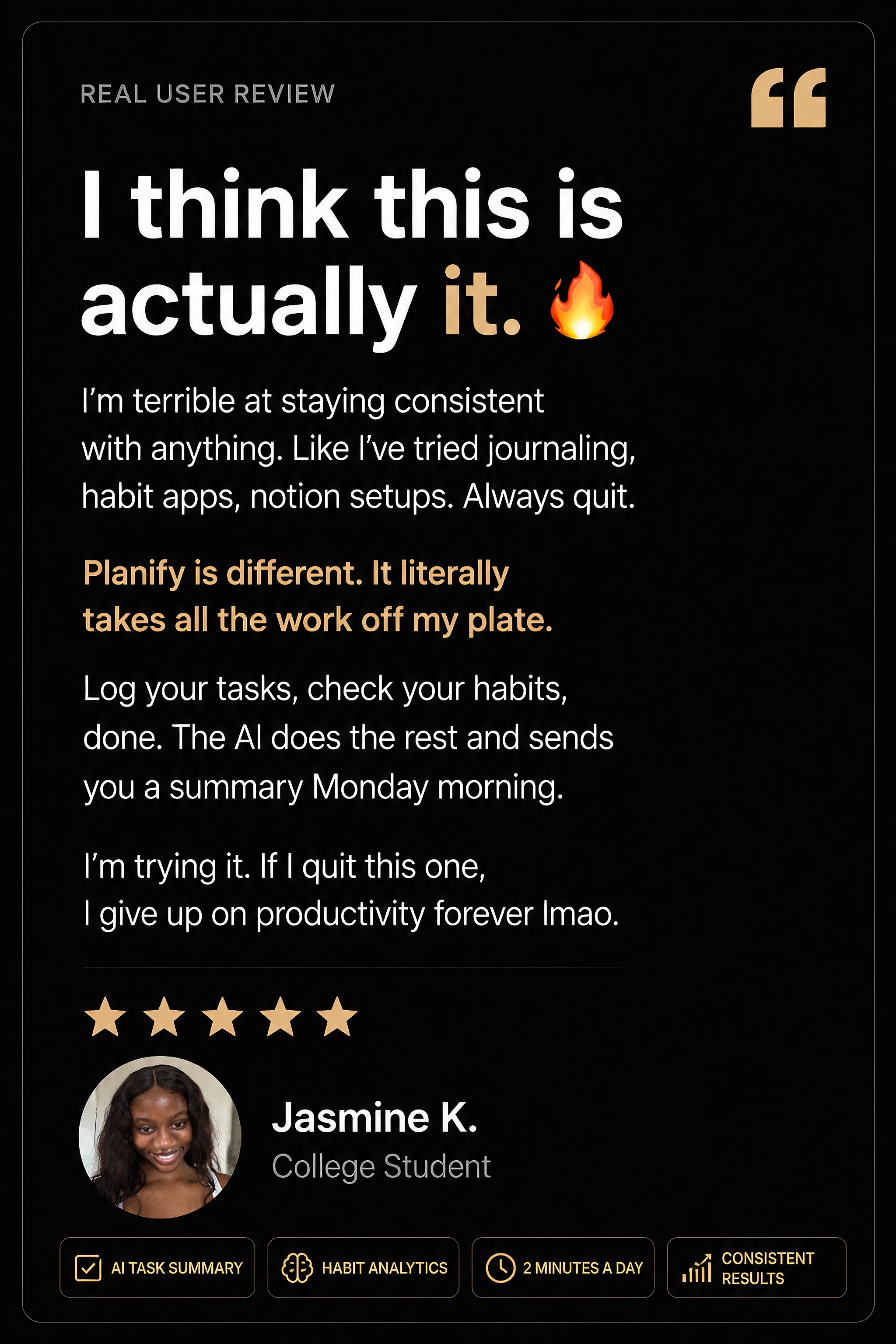
Most planners take 30 minutes to set up and get abandoned by Thursday. Planify is designed to take 2 minutes a day. Log your tasks, habits, and mood — the system does the rest.
Cancel Notion. Cancel Habitica. Cancel Todoist.
The average person spends $40–60/month on productivity apps. Planify replaces all of them for less. One Google Sheet. Zero extra subscriptions. Everything in one place.
Are you busy — or actually making progress?
There's a difference between feeling productive and being productive. Planify's visual charts and weekly summaries show you the real picture, so you stop fooling yourself and start moving forward.
Built for people who are
serious about their goals
Freelancers & Side Hustlers
Juggling clients, projects, and personal goals? Planify keeps everything in one place so nothing falls through the cracks.
Students
Track your study schedule, sleep, energy, and habits — all in one dashboard. The AI summary tells you exactly where your week went.
9-to-5 Workers
You have a job AND a life outside it. Planify helps you make progress on your personal goals without burning out.
Fitness & Health-Focused
Log your habits, mood, and energy daily. See patterns you never noticed. Build streaks that actually mean something.
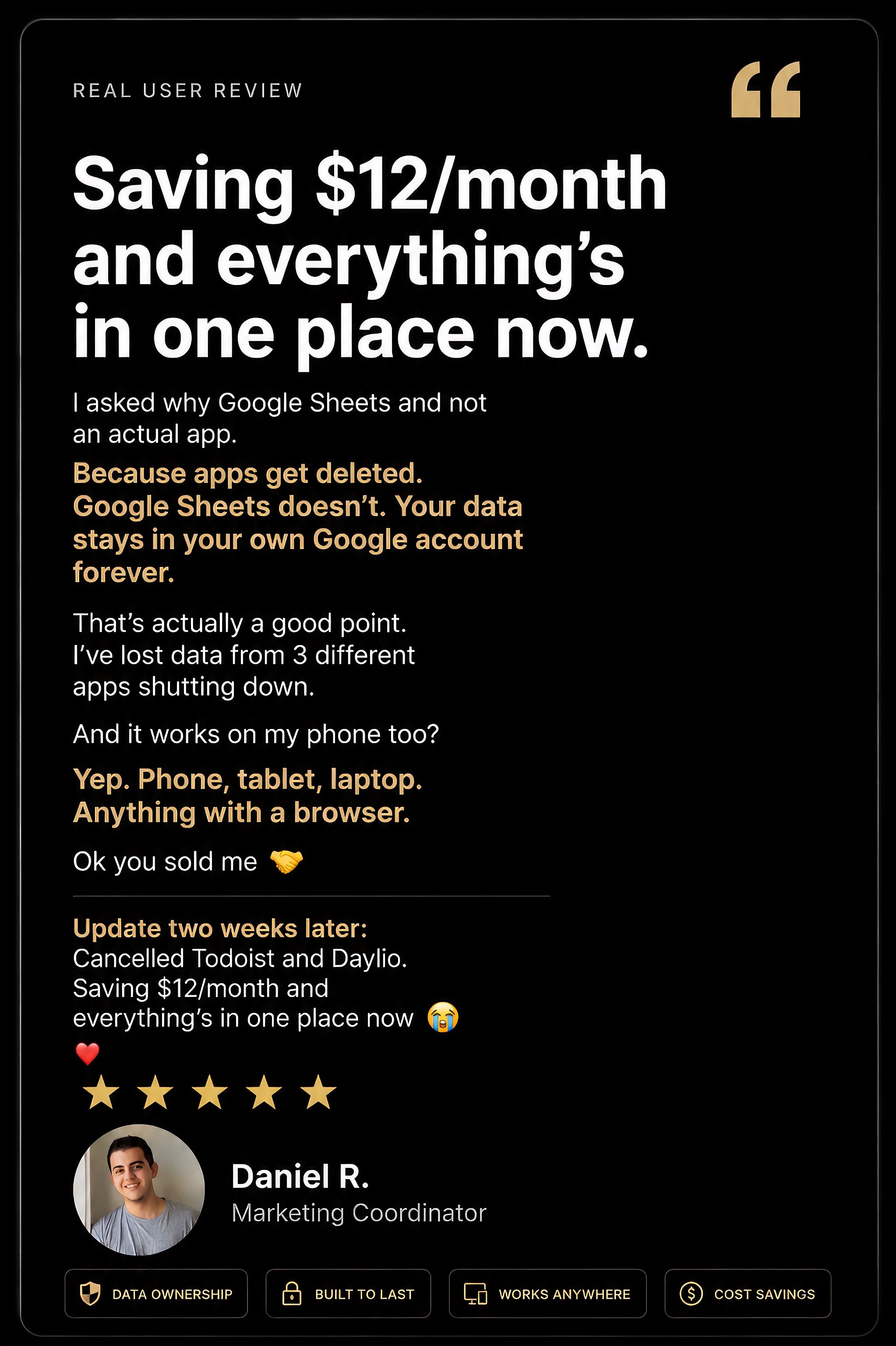
Because apps get deleted.
Google Sheets doesn't.
No download required. No account to create. No new interface to learn. Works on any device you already own.
No download. No new account.
Works on your phone, tablet, laptop — any device you already own, right now.
Your data stays yours.
Everything lives in your own Google account. Private, secure, always accessible — not on some startup's server.
Zero bloat. Exactly what you need.
Most productivity apps are packed with features you never use. Planify gives you exactly what you need — nothing more.
20 years of reliability.
Google Sheets has been around for 20 years and isn't going anywhere. Can't say the same for most productivity startups.
Less than your morning coffee.
More impact than any app.
- AI weekly report delivered to your email every week
- Daily & weekly goal planner
- Habit, mood & energy tracker
- Visual progress charts (auto-updated)
- Daily journal for reflection
- Works on any device — phone, tablet, laptop
- Regular updates included
- Instant access after purchase
30-Day Money Back Guarantee
Not happy? Email us within 30 days for a full refund. No questions asked.
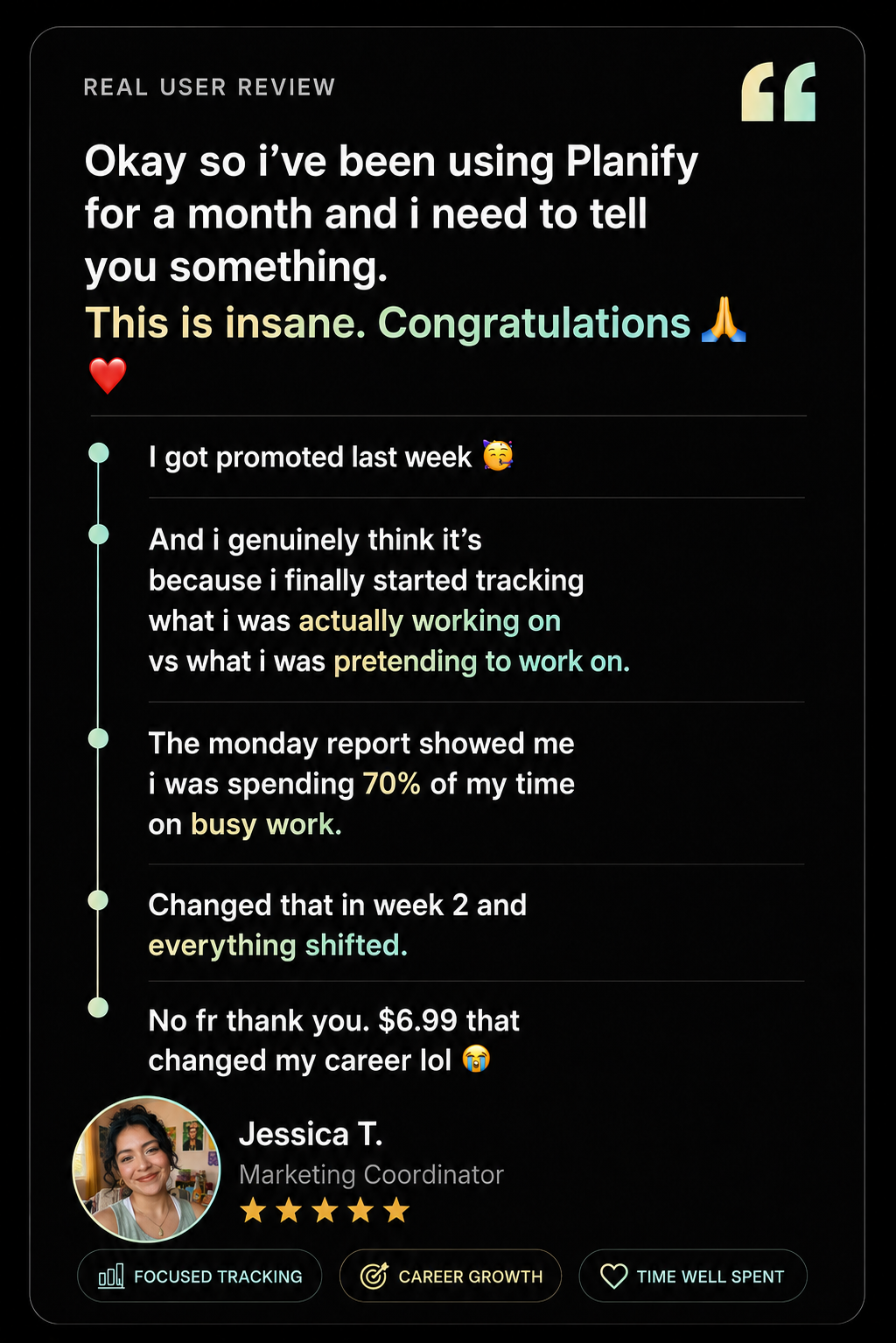
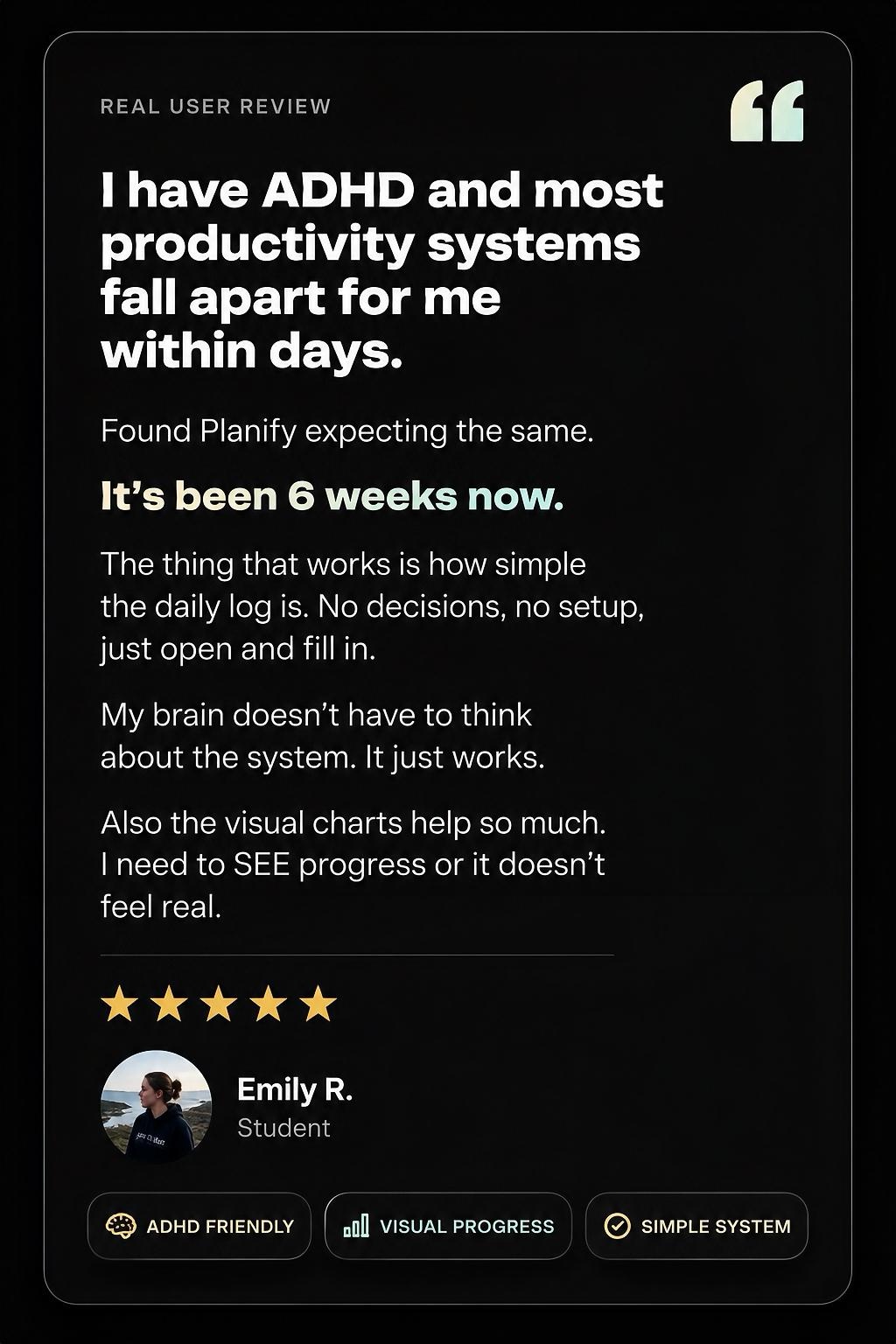
Real people.
Real results.
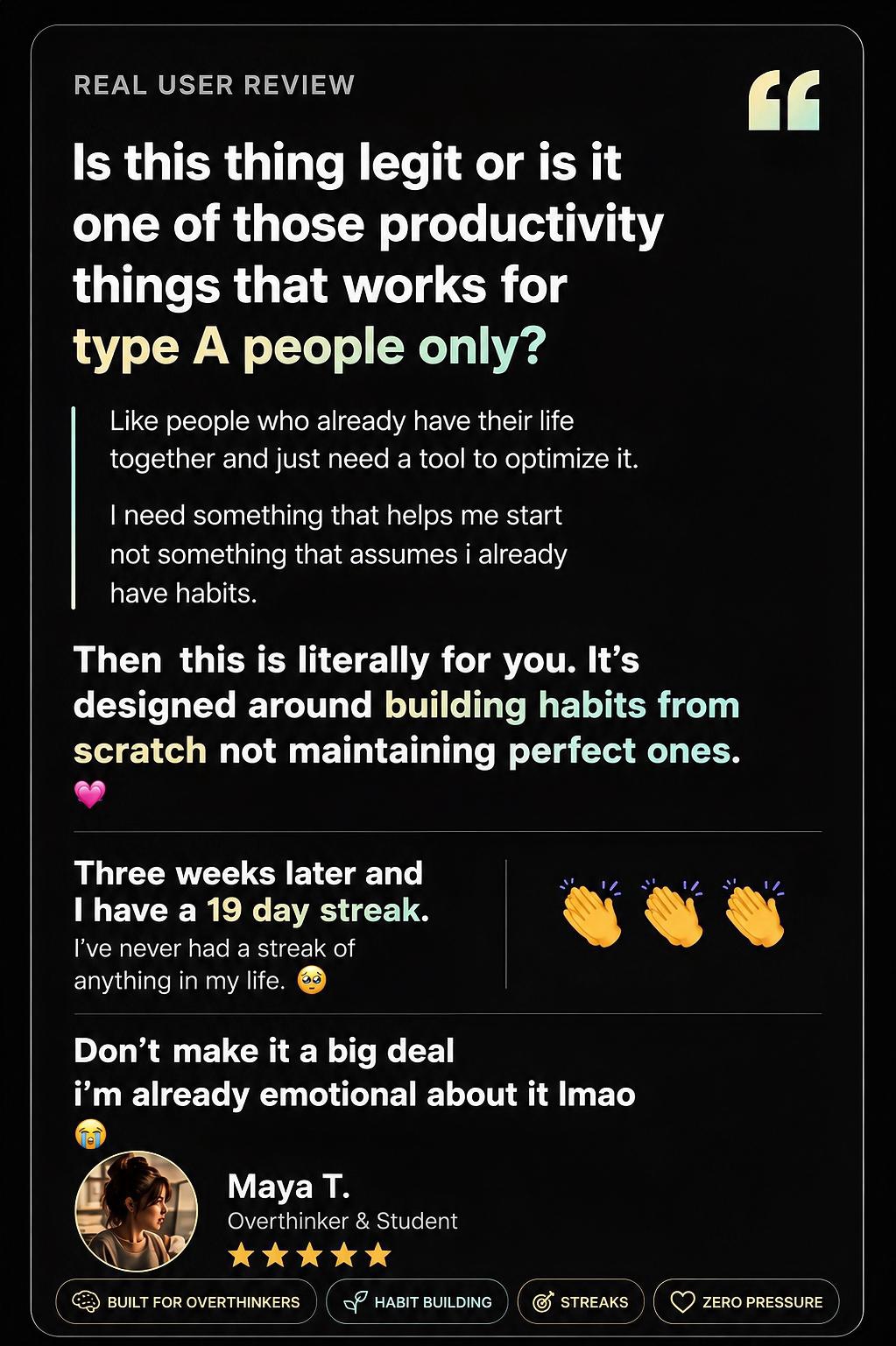
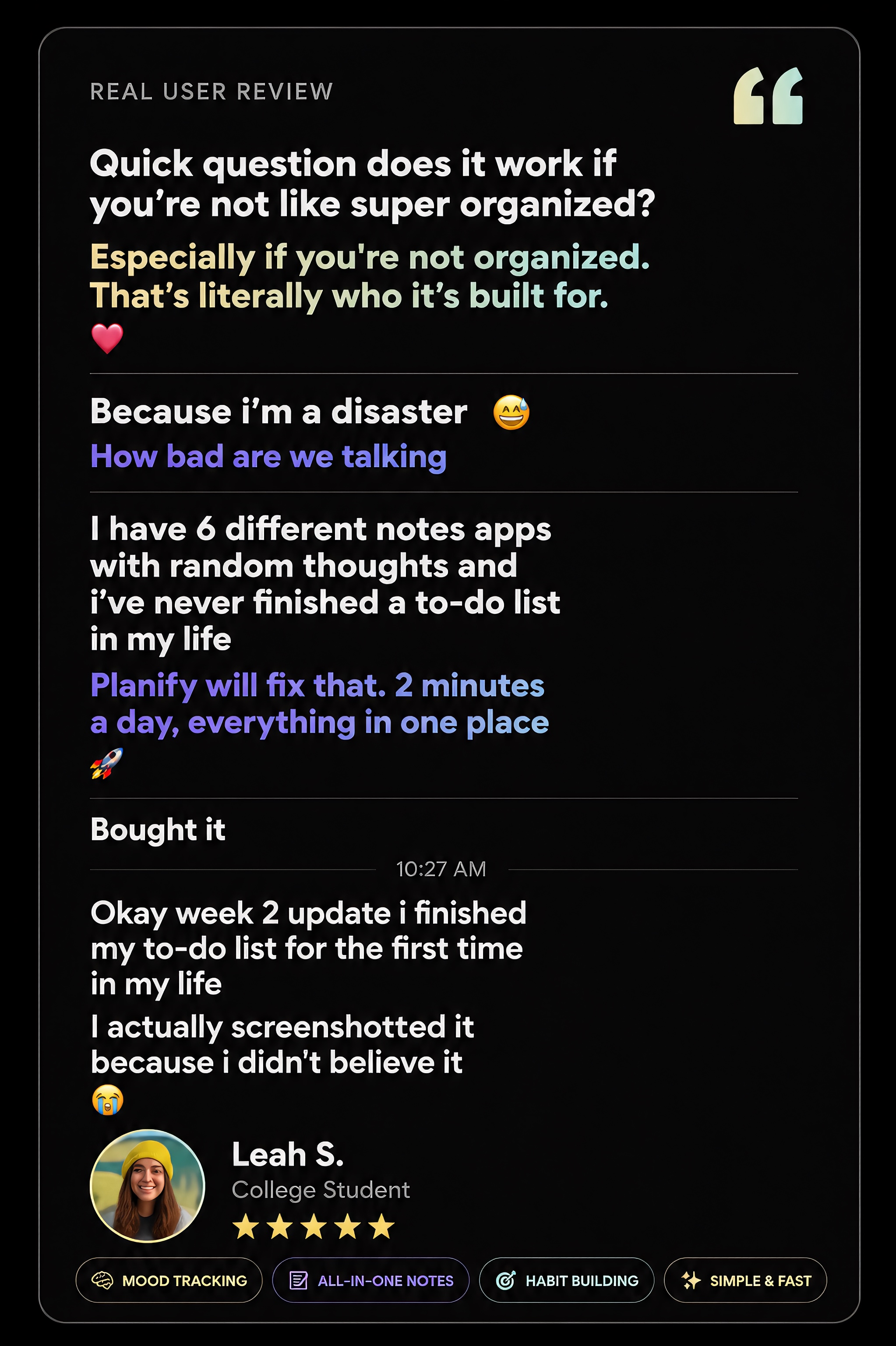
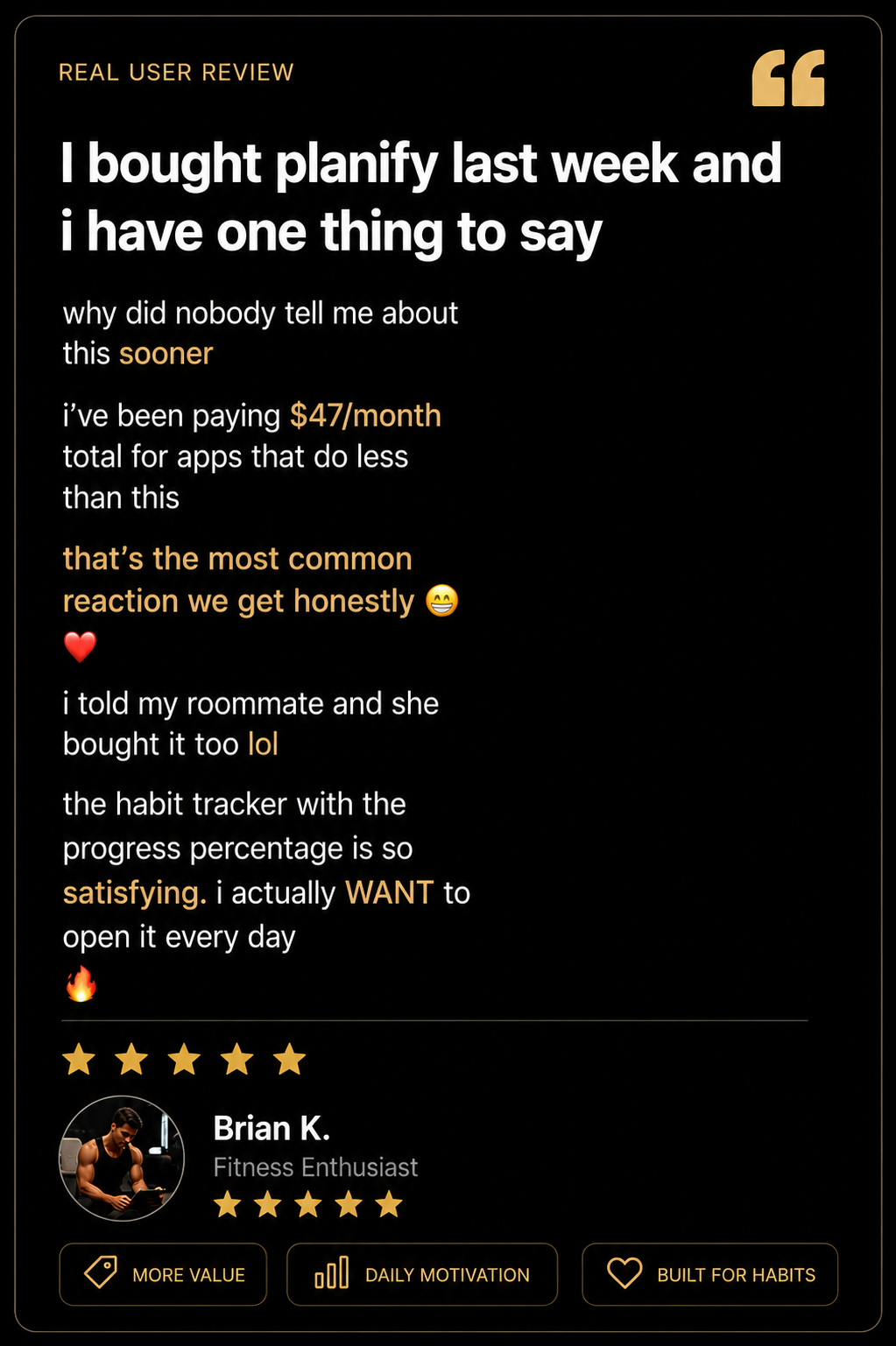
Actual conversations — unedited · Swipe to explore
Enjoying Planify Elite? We'd love to hear from you.
✍️ Leave a ReviewFAQ
You already know what
you want to achieve.
Now you just need
the system.
Join people who stopped paying for 5 apps and started actually hitting their goals.
